Create a listing
Add your property, showing hours, and the questions you want to ask.
 docketProperty
One link for screening questions and showing times.
Set up a showing Questions first. Booking next.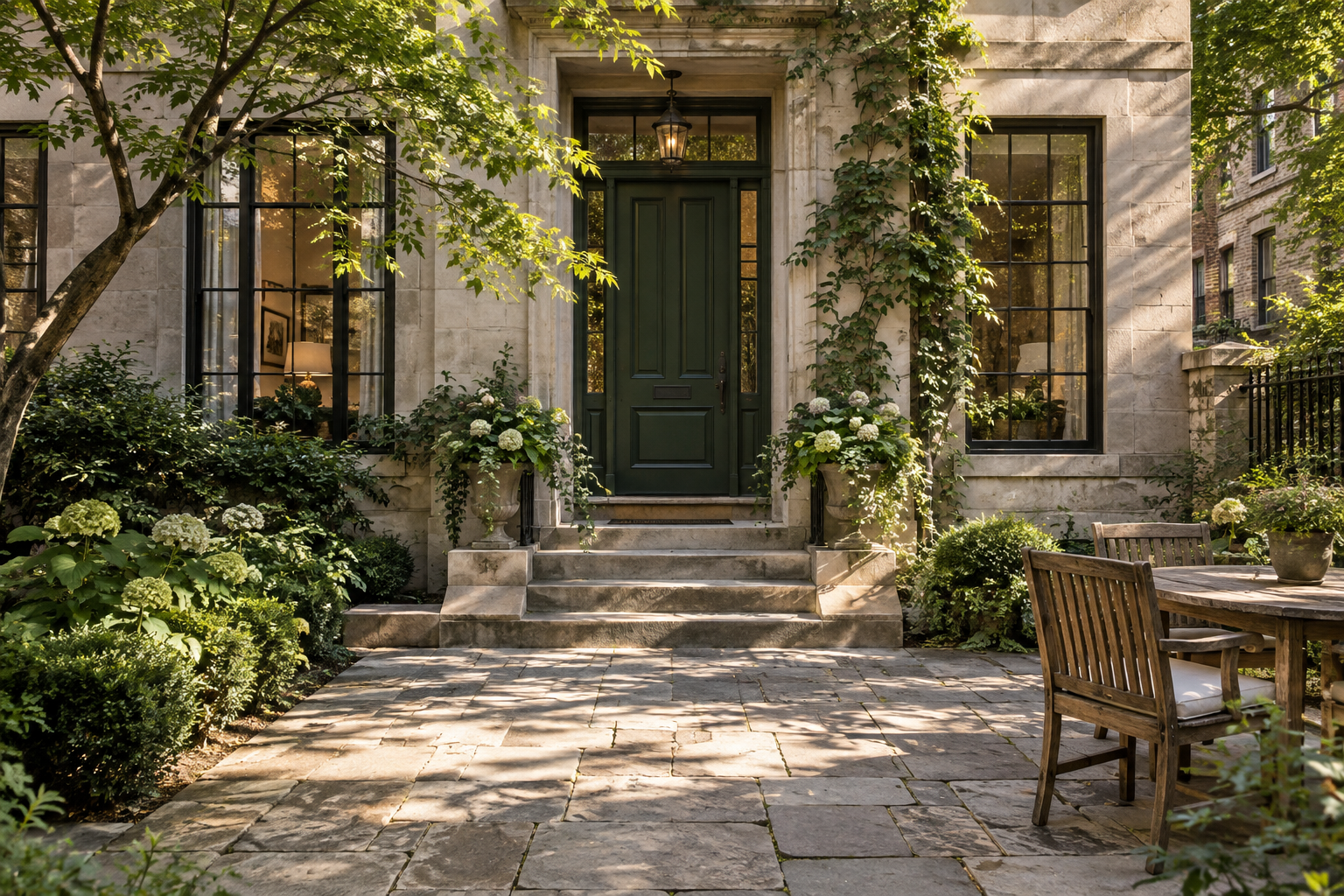 A more welcoming
Add your property, showing hours, and the questions you want to ask.
Send one showing page to interested renters. Let them take it from there.
Anyone who completes the questions can choose an available time.
Keep properties, showing appointments, and screening responses together. See who’s visiting, when they’re coming, and the details they shared.
 King West LoftSample listingParkside TownhouseSample listing
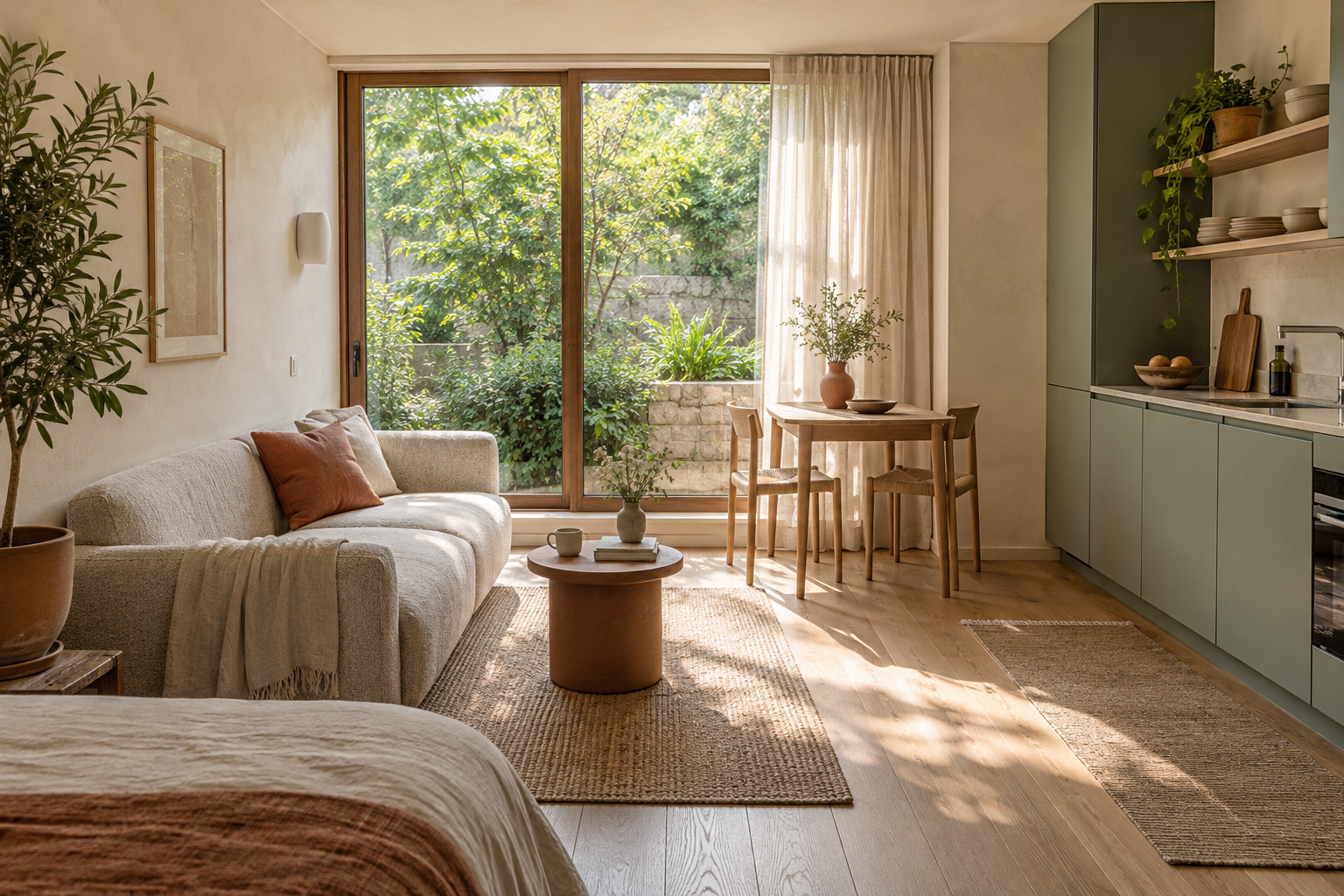 Garden StudioSample listing
Sample showing
Monday, 10:00 AM 20-minute showing Questions completedEvery fresh startRenters get a clear path: answer a few questions, choose a time, and confirm the visit. You get the context you need, with the appointment already on your Docket showing calendar.
Contact details, move-in plans, and your custom questions.
Your recurring showing hours, with a buffer between visits.
Showing details, a calendar download, and an option to cancel.
No. Anyone who completes the screening form can choose an available time. The answers give you context for the visit.
Choose recurring days and hours for each property. Showings last 20 minutes, with a 10-minute buffer. Renters can book up to 21 days ahead, with at least 2 hours’ notice. Docket checks your appointments across properties to prevent overlap.
Yes. Renters can cancel from their confirmation page, and you can cancel from the landlord workspace. The time becomes available again.
This first version includes downloadable calendar events. Google/Outlook synchronization and email/SMS delivery are not connected yet. Docket’s showing calendar does not import your personal appointments.